

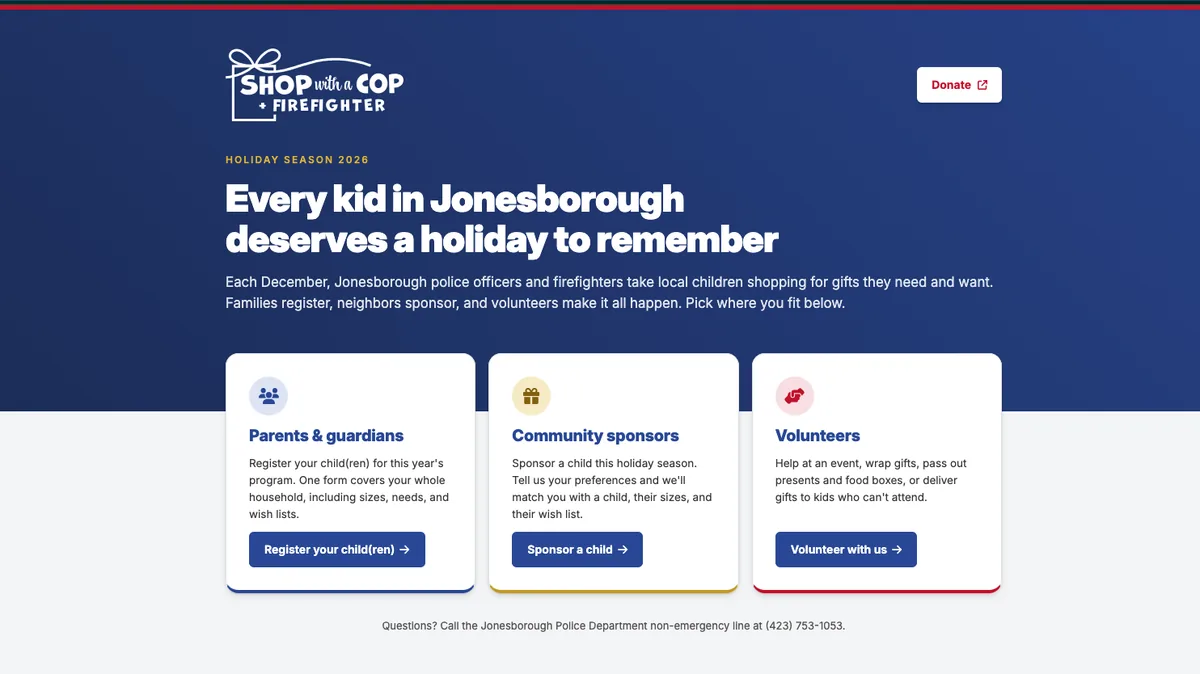
Every December, police officers and firefighters in Jonesborough take local kids shopping for the things they need and the things they want. Families register, neighbors sponsor a child, and volunteers wrap, deliver and keep the whole thing moving. A lot of that runs on paper and a lot of it runs on the same few people.
When the program came to me this fall, they already had a prototype. And a good one. Every form, every field, the way children get numbered by household, the shopping sheets, even the printable forms for paper registrations. Somebody had thought hard about how the season actually works.
What they didn't have was a way to get from that prototype to something families could use on November 1. They knew they needed help with that part. They just weren't sure what the part was.
That's what this post is about. The live system is at swacf.jonesboroughtn.org, and registration opened on its own at midnight.
A prototype that looked finished
The prototype ran in a web browser and looked like a real site. You could fill out a registration, open the staff inbox, approve a family and watch the child get a number. It was convincing enough that it would be easy to think the hard part was over.
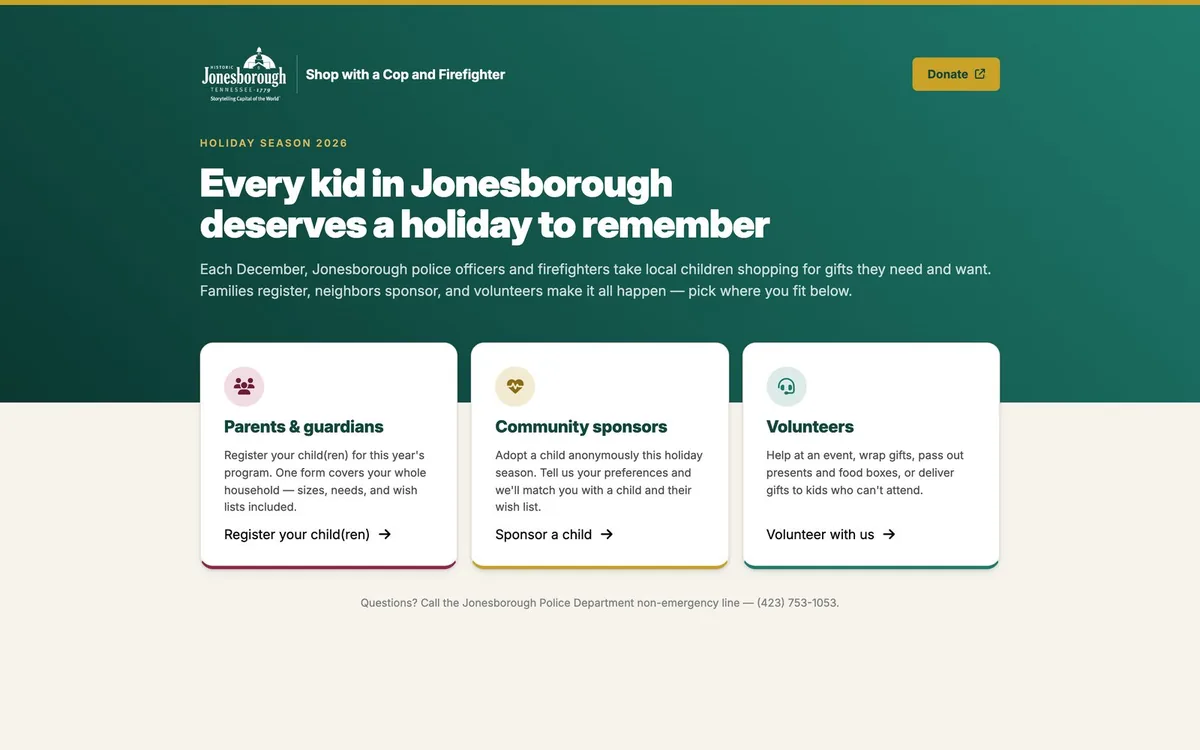
Here's the catch. Everything in it lived inside that one browser on that one computer. There was no shared database, so a family registering at home and a staff member reviewing at the office would each be looking at their own private copy. There were no real staff logins. Nothing could send an email. It was a very convincing model home. Nobody could move in.
That's not a knock on the prototype. A prototype's job is to show how something should work, and this one did that better than most specs I've been handed. It just isn't the same job as being the system.
What "working" actually means
The gap between a prototype and a working system is mostly stuff you can't see on the screen. The prototype answers "what should this look like and do?" A working system also has to answer where the information lives, who's allowed to see it, how people hear back, and what happens to a family's details when the season is over. Those answers take someone who builds and runs these systems, and that's where my work started.
Deciding what not to build this year
The prototype covered more than one season could hold. It had a dashboard, wristbands, per-child bag tags, digital check-in for event day, even an offline mode for check-in. All good ideas. Not all of them needed to exist by November.
So the first thing I worked through with them was scope. Season one went after the jobs that eat the most staff time today. That meant reviewing registrations, keeping children and households numbered correctly, cleaning up sizes and wish lists, and getting shopping information to whoever is doing the shopping. Event day stays on paper this year, the way it already runs. Everything else is written down as planned for a later season, and none of it requires tearing up what's built now.
This is the step I'd push anyone holding a prototype to take first. A prototype makes everything look equally close to done. It isn't. Picking the few things that save real hours this season is how a project actually ships instead of living forever at 90 percent.
Keeping what they got right
Once the scope was set, the prototype became the blueprint. Every field, label, placeholder and validation rule on the public forms carried over. Required fields stayed required because they were required on purpose. The household numbering scheme carried over exactly, so a child shows up as something like HH-04C, household four, third child, assigned automatically on approval so nobody numbers kids by hand.
The program's official logo arrived partway through the build, so the look changed from the prototype's placeholder colors to the program's own blue. The bones didn't change at all.
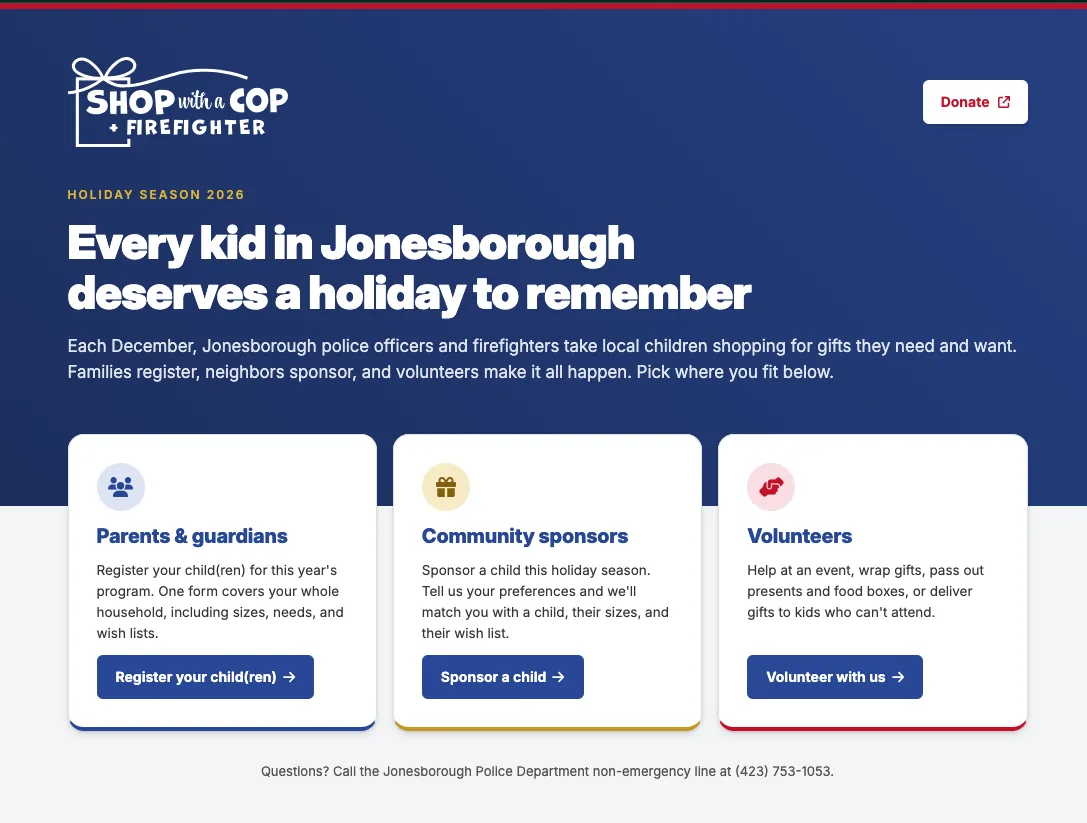
Later, when staff tested the shopping sheets, the printed version had drifted from what the prototype planned. The shopping list lines and the gift drop-off details had fallen off. That went back in to match their layout. The prototype stayed the source of truth the whole way through, which is a big part of why the people who built it recognized the finished product as theirs.
Built for the people doing the work
The staff side is where a system like this earns its keep. Registrations land in an inbox. Staff look at the household, check each child's suggested event, and approve or deny. A denial needs a reason. Anything that needs a closer look, like a note about accommodations, gets flagged so it doesn't slide past.
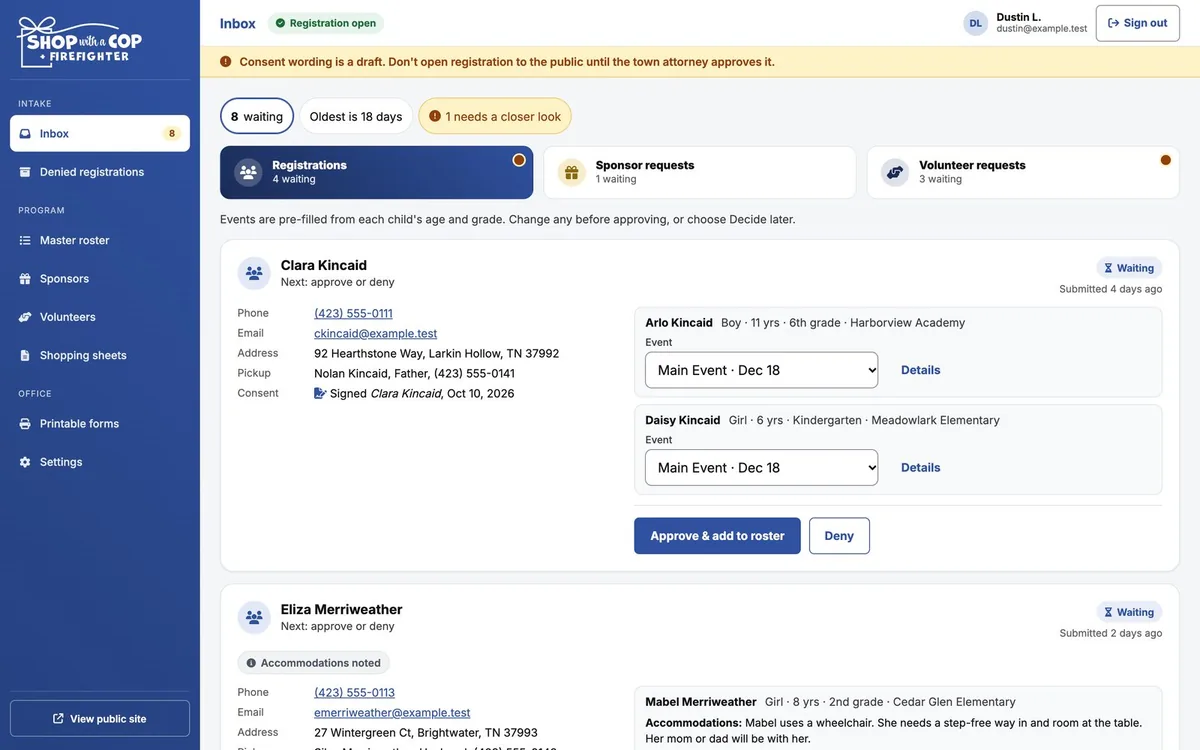
Nothing emails a family on its own. Approving or denying records the decision. Telling the family is a second step, and staff choose when to take it, with a preview of exactly what the email will say. Some families can only be reached by phone, so staff can also mark a family as called instead. I'll admit this made one tester ask why the denial email never went out. It hadn't been sent yet. That's the point.
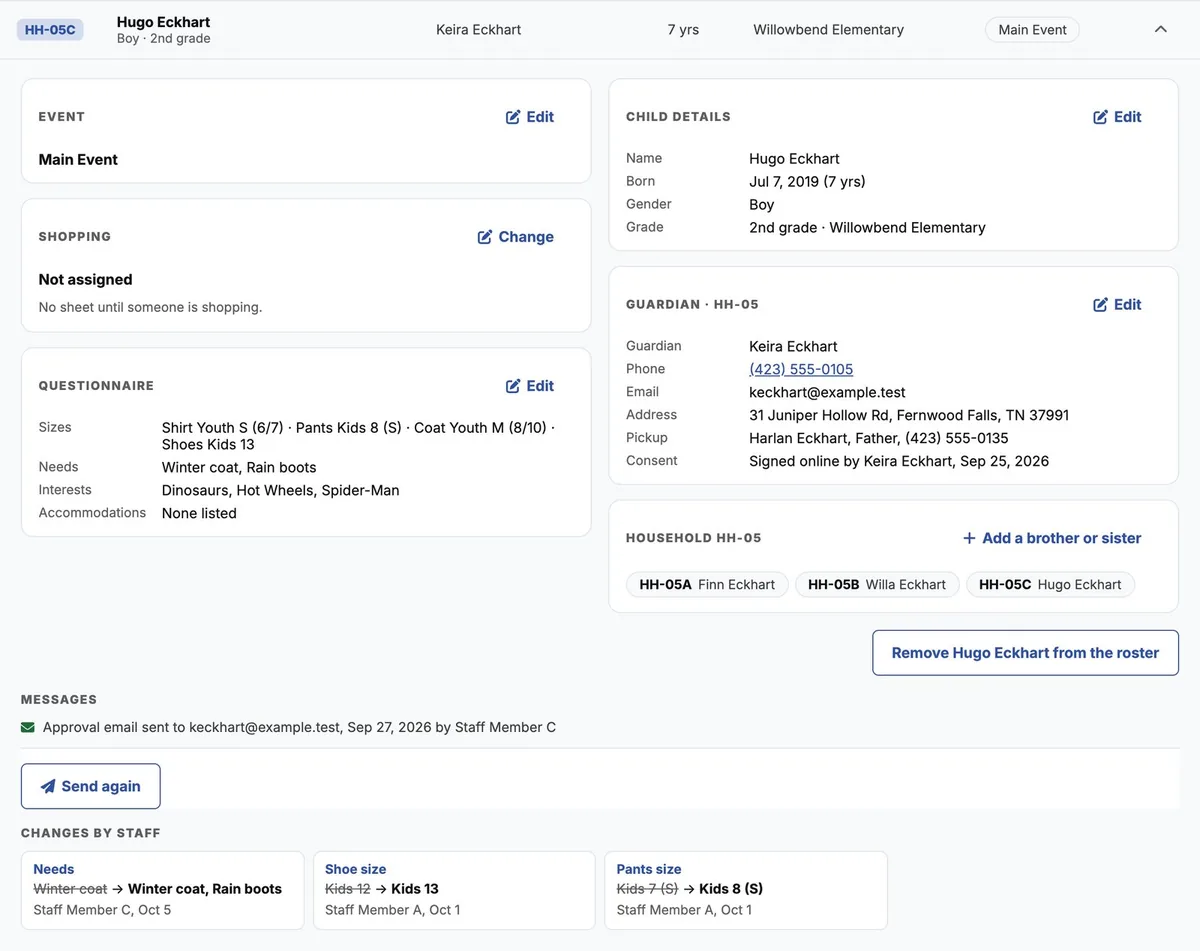
Staff can fix sizes, wish lists and details on any child. Every change is kept, showing what the family originally sent, what it became, who changed it and when. When someone asks in December why a shoe size is different from what they wrote in October, there's an answer.
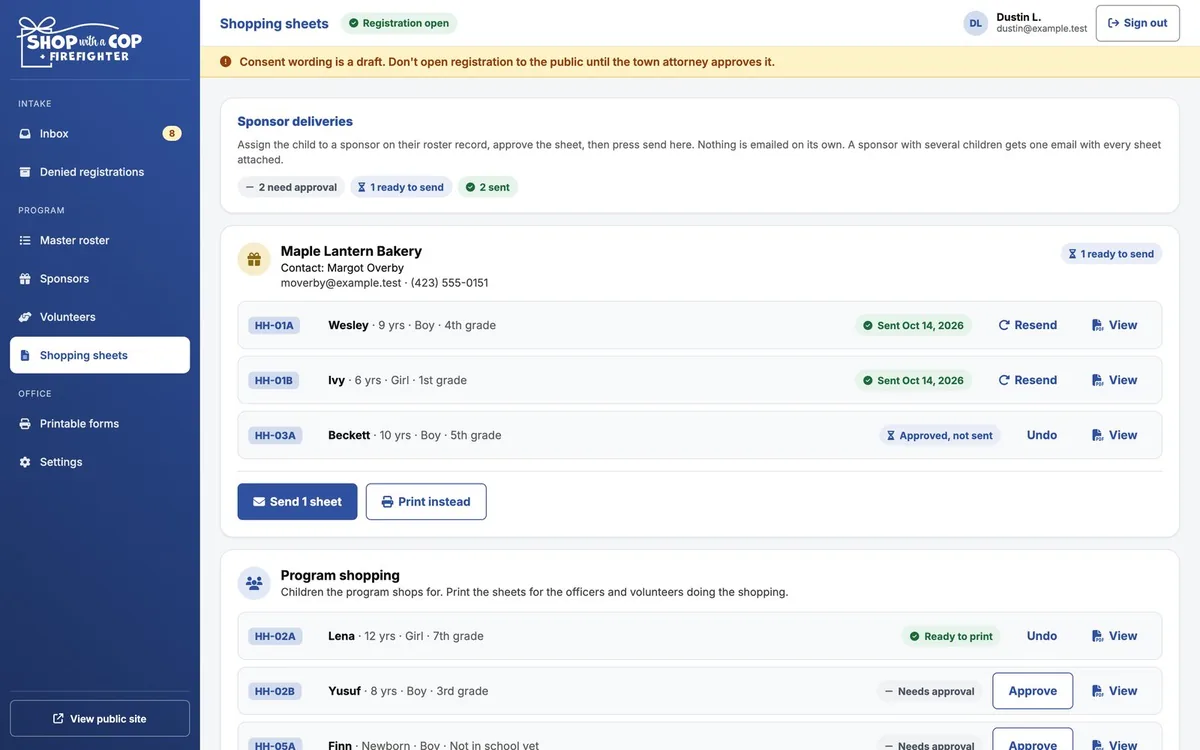
Then there are the shopping sheets, which the program told me is one of the most time-consuming parts of the season. Staff assign a child to a sponsor, approve the sheet and press send. A sponsor shopping for three kids gets one email with all three sheets attached, not three emails. Children the program shops for itself get printed sheets for the officers and volunteers doing the shopping.
Decisions that protect families
This system holds children's names, ages, sizes and home addresses. That changes how you build it. A few decisions mattered more than any color choice.
- No passwords. Staff sign in with a link sent to their own email. Each link works once and expires in 15 minutes. There's no password to guess, reuse or tape to a monitor.
- The public forms can send, never read. Anyone can submit a registration. Nobody on the public side can pull one back out.
- Records don't stick around. Families' and children's details are deleted automatically 90 days after the season's last event. Staff get a reminder before it happens.
- Shopping sheets aren't stored. They're built fresh each time someone views or sends one, so there's no folder of children's details sitting anywhere waiting to be forgotten.
- Paper leaving the building shows less. A sponsor's sheet shows the child's first name and number, not their full name.
- The legal wording got a real review. The consent and waiver language was reviewed and approved before registration opened, not after.
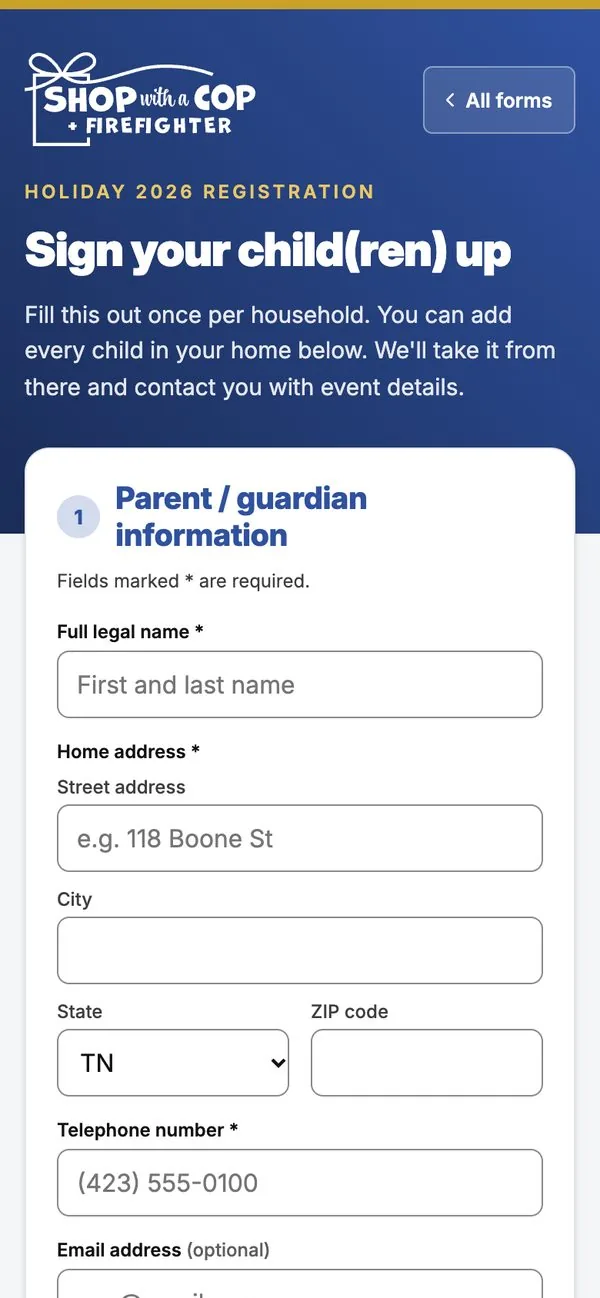
The public forms also had to work for everyone. They were built to meet the WCAG 2.1 AA accessibility standard, and they work on a phone, since that's where a lot of families will fill them out.
Testing without touching real families
Once the live site started sending real email, testing on it stopped being an option. One wrong click and a made-up approval lands in a real inbox. So staff got a separate review copy with its own database full of invented families, where every email comes to me instead of the person it's addressed to. They could approve, deny, assign sponsors and send sheets as many times as they wanted. The live system stayed clean for November 1.
The program staff went through the site and the staff side thoroughly and signed off that it works the way they expected. That's the review that counts.
If you're holding a prototype
More organizations are showing up with prototypes now. Some come from a volunteer who's handy, some from a spreadsheet that grew legs, and some from a tool that builds a convincing demo in an afternoon. A demo is a fine place to start. It's also where a lot of projects stall, because everything that's left is the part you can't see.
Getting from there to a system people can trust with their information means getting the database, the sign-in, the email, the security and the deletion schedule right, then keeping it running all season. That's the job I was brought in for, and it's what I do for businesses and organizations across the Tri-Cities. If you've got a prototype that looks done but isn't, I'm glad to take a look.
The program knew their season better than anyone. My job was building a system that holds up under it without losing any of what they'd planned. Registration is open now, and in December some kids in Jonesborough are going shopping.