

Why AI Automations Fail on Real-World Exceptions
A while back I built a contract generator for a contractor here in the region. Nothing exotic. It was a standard software tool, not AI, and it did exactly what it was designed to do: produce a clean contract with the payment terms this contractor uses on almost every job. Part of the money up front, the rest when the work is done.
Then a small repair job came through. On jobs like that, this contractor does not take anything up front. The full amount is due when the work is finished.
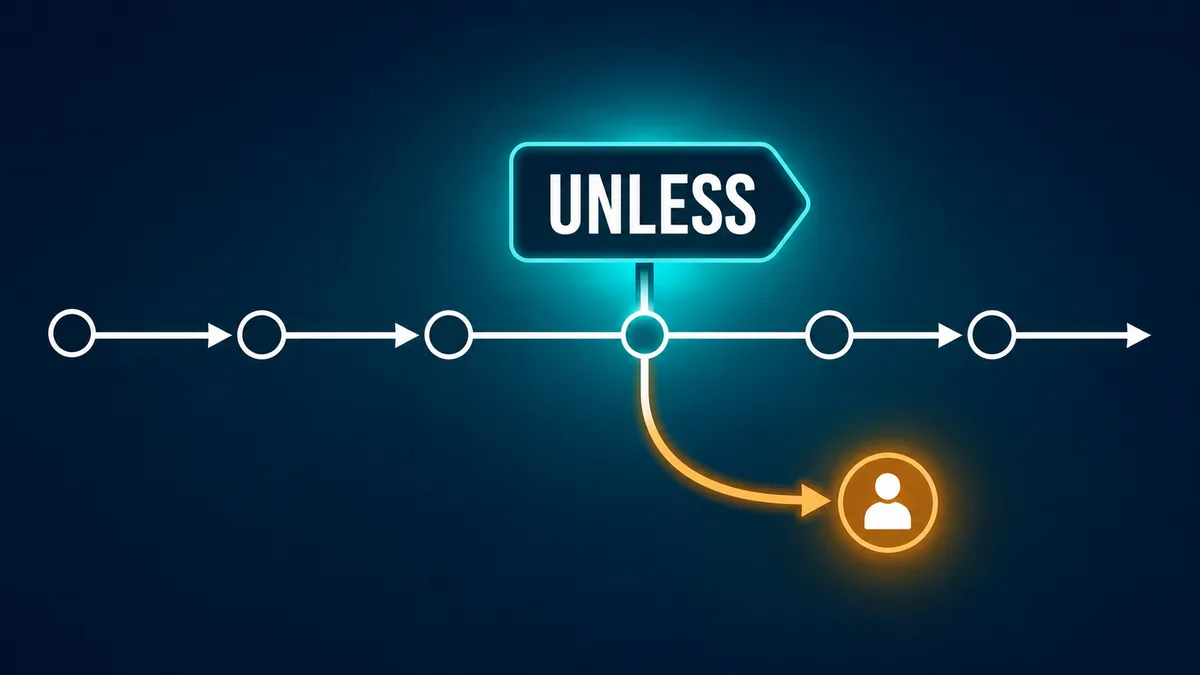
The generator was not broken. It just did not know that arrangement existed. It knew the rule. What we had never taught it was the word unless.
That one word is where most automation projects succeed or fall apart. So this post is about the unless list every business carries around, why software and AI both stumble on it, and a simple exercise you can run before you automate anything.
Every business has an unwritten unless list
Every business I have ever worked with has a standard process. New customer calls, we do this. Invoice goes out, we do that. Ask the owner to describe it and you will get a clean answer in about thirty seconds.
Keep asking, though, and the unless list shows up.
We require a deposit, unless it is a repeat customer. We book the first open slot, unless it is that one patient who needs the longer appointment. We send the standard thank-you letter, unless the donor restricted the gift. We reply to every message within a day, unless the message mentions a refund or a lawyer, in which case it goes straight to the owner.
Here is the important part. That list is almost never written down. It lives in the head of the owner, the office manager, the estimator, or the person who has run the front desk for eleven years. Philosopher Michael Polanyi had a name for this back in 1966: tacit knowledge. His famous summary was that we know more than we can tell. Your best employee cannot hand you a complete list of their exceptions, because most of the time they do not know they are making one. They just handle it.
That is fine when a person is doing the work. It becomes a problem the day you automate the work.
Why automations fail at the edges
A demo always shows the normal case. The invoice matches the estimate. The customer fills out the form correctly. The appointment request fits an open slot. Everything flows, and it is genuinely impressive.
Real business days are not built from normal cases. They are built from mostly-normal cases with a steady drip of exceptions. The customer who paid cash. The job that is half warranty work. The donor who wants their gift to go to one specific program. The intake call where the caller's name sounds familiar for a reason nobody can place yet.
A weak automation hard-codes the standard rule and quietly applies it everywhere. Quietly is the dangerous word. A person who hits a weird case slows down and asks somebody. Software that hits a weird case just keeps going. It sends the wrong contract, books the wrong slot, or mails the wrong letter, at full speed and with total confidence.
In cases like this, the failure is not the tool. The failure is that nobody wrote down the unless list before turning the tool loose.
The three paths a useful automation needs
Any automation touching real customers or real money needs three paths, not one.
The normal path. What happens most of the time. This is the routine work every vendor demo shows you, and it is the easiest part to build.
The exception path. Known exceptions with known answers. Repeat customers skip the deposit. Repair jobs under a certain size use the pay-on-completion contract. These are still rules. They are just rules with an unless in front of them, and the system can handle them once someone spells them out.
The stop-and-ask path. This is the one most projects skip, and it is the most important. These are the situations where the system should not decide at all. It should stop, flag the item, and hand it to a named person. Anything involving a complaint, a legal question, an unusual amount of money, or a case that does not match any known pattern belongs here.
The goal is not to make AI exercise judgment it does not have. The goal is to help the system recognize when human judgment is needed and know who receives the handoff. NIST's voluntary AI Risk Management Framework calls for organizations to define roles and responsibilities for human-AI configurations and oversight. For a small business, that translates into something plain: decide in advance when the system must stop, who receives the flag, and who is allowed to make the call.
AI can do the average. Your business earns its reputation in the exceptions.
Build an Unless Map
The simplest way to capture those exceptions is a four-column table. For this exercise, I call it an Unless Map. Nothing fancy.
| Normal rule | Unless... | Who decides? | What happens next? |
|---|---|---|---|
| Deposit up front, balance at completion | It is a small repair job | Estimator | Use the pay-on-completion contract |
| New inquiry gets a consultation booked | The name matches a current or opposing party | Attorney | Hold scheduling until the conflict check clears |
| Book the first available slot | The patient is flagged for extended visits or a specific provider | Front-desk lead | Book the longer slot by hand |
| Deposit gift to the general fund, send standard thank-you | The donor restricted the gift | Finance director | Record the restriction, route the letter for review |
| Send the templated reply within one business day | The message mentions a refund, complaint, or legal issue | Owner | Stop. A human writes the reply |
Notice the third column. Every unless has an owner. That matters as much as the exception itself, because "someone should look at this" is how flagged items sit in a queue for three weeks. A name is what makes the stop-and-ask path real. The exact title will vary by business, but the finished map should always name one decision owner.
One more thing about building the map: do not build it alone in your office. The owner knows the official process. The person doing the work knows the actual process. You need both in the room.
The 15-minute exercise
Here is how to build your first Unless Map. You can sketch the first version in about fifteen minutes.
- Pick one repetitive process. Just one.
- Write down what normally happens, step by step.
- Ask the person who does the work: when does that rule not apply?
- List the five most recent exceptions. Not hypothetical ones. The last five real ones.
- For each exception, name who is allowed to decide.
- Define when the system must stop instead of guessing.
- Record the correct next action for each stop.
Step four is the whole trick. If you ask "what are the exceptions," people freeze up and say there are not many. If you ask "tell me about the last five times it did not go the normal way," the stories pour out. The recent past is where your unless list is hiding.
The most useful question in automation is not "what normally happens?" It is "tell me about the last five times it did not happen that way."
What should stay on the stop-and-ask path?
Some final decisions should stay on the stop-and-ask path permanently, no matter how good the tools get: responses to upset customers, legal or medical conclusions, changes to money terms, employee decisions, and anything where being wrong costs you a relationship instead of a few minutes. Automation can still gather information, prepare a draft, or route the case. It should not make the final call.
That is not a limitation to apologize for. It is the design. The automation handles the average so your people have the time and attention to handle the exceptions well. The exceptions are where a customer finds out what kind of business you actually are.
The takeaway
Before you automate a process, map both paths: the normal one and the unless one. Sit down with the people who do the work, pull out the last five exceptions, and put a name next to every decision the system is not allowed to make.
This is the same exception-mapping work behind our contract workflow case study. It usually starts as part of a broader AI strategy engagement, and sometimes ends with custom-built software once the map is clear enough to hand to a system.
Map your unless list with us
If you run a business in the Tri-Cities and you want help finding those exceptions and designing a workflow with a proper stop-and-ask path, that is exactly the kind of work we do at Tri-Cities AI Lab. Reach out and we will map it together.
Talk to Tri-Cities AI LabSources
- Michael Polanyi, The Tacit Dimension (1966). Origin of the idea that "we can know more than we can tell." University of Chicago Press
- National Institute of Standards and Technology, Artificial Intelligence Risk Management Framework (AI RMF 1.0), NIST AI 100-1, January 2023. Link
Frequently asked questions
What is an Unless Map?
A four-column table that documents a workflow's normal rule, its known exceptions, who has authority to decide each one, and what happens next. It is built with the people who actually do the work, before any automation is set up.
Why do AI automations fail in small businesses?
One common reason is that the workflow was built around the standard rule only. Real workflows include exceptions that may live only in employees' heads, so the system applies the standard rule until someone documents when it should stop.
What is human-in-the-loop automation?
A design where the system handles routine cases on its own but stops and hands specific situations to a named person: complaints, legal questions, unusual amounts, or anything that does not match a known pattern.
How do I find the exceptions in my business process?
Do not ask "what are the exceptions." Ask the person who does the work to describe the last five times the process did not go the normal way. Recent, real cases surface exceptions that hypothetical questions miss.
What should stay on the stop-and-ask path?
Some final decisions should stay on the stop-and-ask path permanently: responses to upset customers, legal or medical conclusions, changes to money terms, employee decisions, and anything where being wrong costs a relationship instead of a few minutes. Automation can still gather information, prepare a draft, or route the case. It should not make the final call.